

API keys are only available on full accounts. Trial accounts (for example, sessions served from
trial.ornn.com) can browse every chart and dataset in the dashboard but cannot create keys, so the API is not reachable from a trial account. Attempting to create a key returns 403 { "success": false, "error": "API keys are not available on trial accounts" }. Contact your Ornn account owner to upgrade.Find your keys
Sign in to data.ornn.com and open Settings → API Keys. API Keys is a tab on the Settings page, so you can also deep-link to data.ornn.com/settings?tab=api-keys. The older/api-keys URL still works and redirects to the tab.
Each key you have issued is listed with:
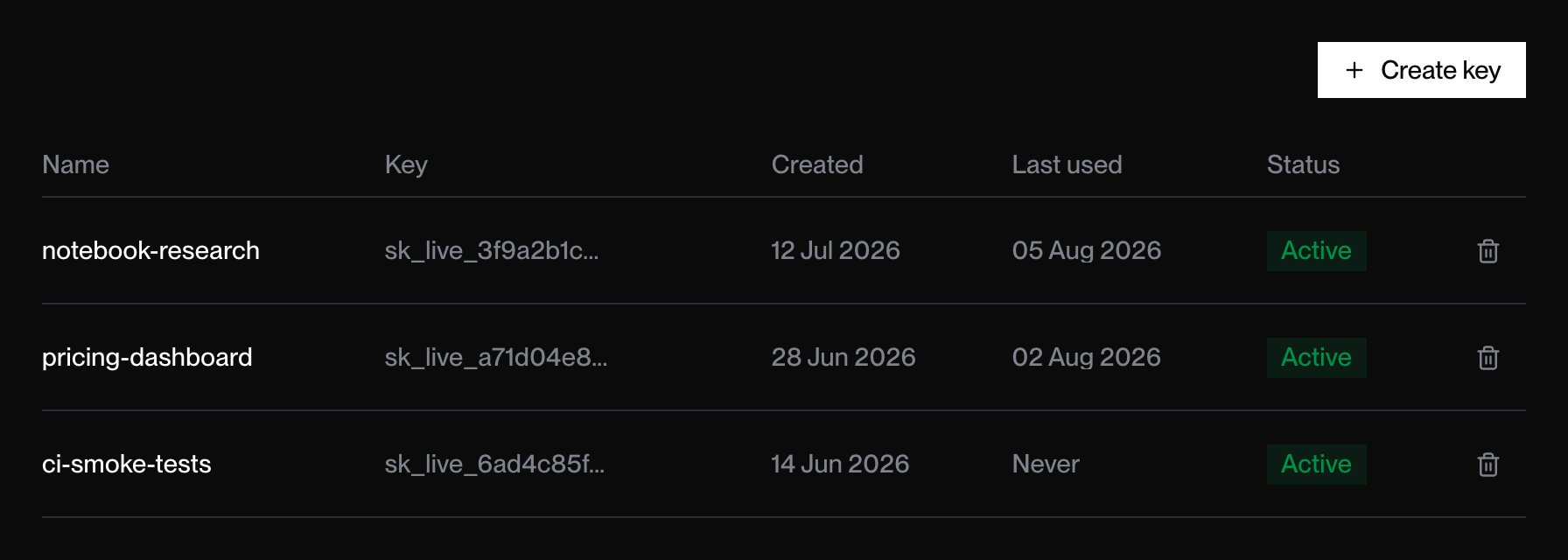
The API Keys tab. Keys are listed newest first; the trash icon at the end of a row deletes that key.
Create a key
1
Open the API Keys tab
Sign in to data.ornn.com and go to Settings → API Keys.
2
Name the key
Click Create key, enter a descriptive name in API key name (e.g.
notebook-research), and submit with Create key. A name is required — submitting an empty one shows Please enter a name for your API key.3
Copy it now
Your full key (
sk_live_…) is shown once, in the API Key Created dialog. Click Copy & Close to copy it to the clipboard; the button confirms with Copied and the dialog dismisses itself. Store the key in a secret manager or environment variable.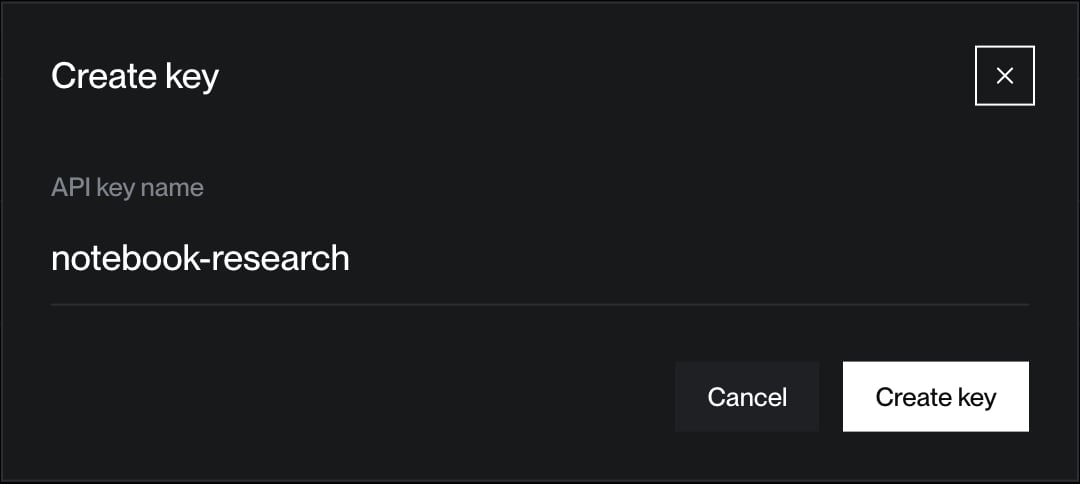
Naming a new key in the dashboard.
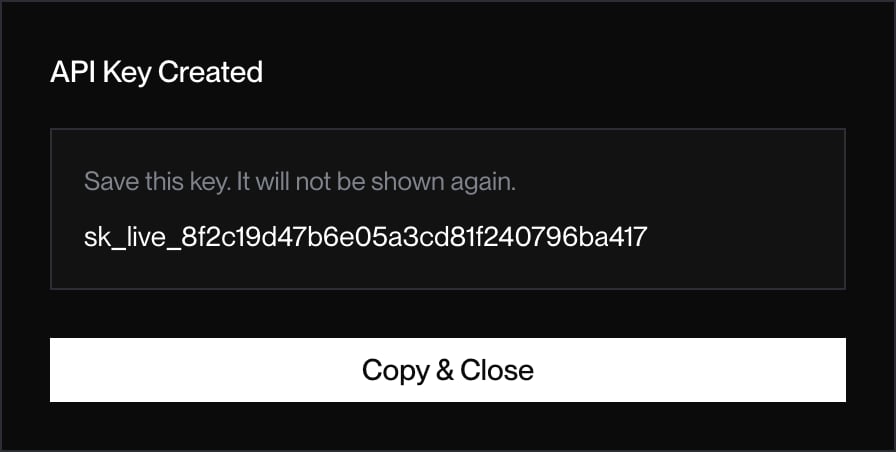
The full key, shown once. Copy & Close puts it on the clipboard and dismisses the dialog.
Esc.
New keys are read-only against the index endpoints. There are no scopes, expiry dates, or environments to choose at creation; scope a key by what you use it for and delete it when that use ends.
Use a key
Pass it as a Bearer token on every request to a protected endpoint:Delete a key
In Settings → API Keys, click the trash icon at the end of the key’s row, then confirm in the browser prompt. The row disappears from the table and the key immediately returns401 { "error": "Unauthorized", "message": "API key is inactive" }. Deletion cannot be undone, so issue a new key to replace it.
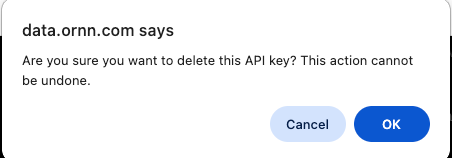
Confirming deletion. This action cannot be undone.
Best practices
- One key per app or environment so you can delete narrowly.
- Never commit keys to source control or ship them in browser code.
- Rotate periodically by creating a new key and deleting the old one.
- Watch Last used to spot keys nothing depends on any more, and delete them.